

Meet the agents
KOBI gives you seven agents in one workspace. Each is a specialist with its own canvas, data model, and tools — but they all share the same project memory.
For ideation, brainstorming, and exploratory thinking.
A freeform React Flow canvas. Drop a thought; the agent helps you branch into chunks, concepts, and directions. Cards stay fresh — when an upstream node changes, downstream descendants are flagged for review.
Use it when you have:
- A blank slate and need divergence.
- A concept that needs to be broken down into sub-ideas.
- A decision that deserves alternatives.
Strategy
Section titled “Strategy”For SWOT, TOWS, Business Model Canvas, and Five Forces.
Pick a framework; the canvas pre-builds its quadrants, slots, and validators. You move thinking, not boxes. TOWS lets you cross SWOT outputs into action quadrants directly.
Use it when you have:
- A market position to articulate.
- A model to validate.
- A team that needs a shared structure to argue inside.
Analytics
Section titled “Analytics”For dashboards, KPIs, and data narratives.
Compose KPIs and charts as draggable widgets. Read-only at first glance, deep on demand. Export to a board template for reuse across projects.
Use it when you have:
- Numbers that tell a story.
- A board meeting to brief.
- A trend to monitor across time.
For geospatial reasoning and place-based decisions.
A MapLibre GL canvas with anchors, datasets, and scope-aware hydration. Optimistic position writes keep the cursor honest while the team explores.
Use it when you have:
- Locations that matter (stores, suppliers, demand).
- A territory to plan.
- A geographic dataset to layer.
Knowledge
Section titled “Knowledge”For making documents into a queryable brain.
An Obsidian-style flat graph. Every uploaded document becomes a node, embedded and indexed. Other agents cite specific wiki pages when they answer.
Use it when you have:
- Reports, contracts, meeting notes that live in folders.
- A team that asks the same questions over and over.
- A new hire that needs the institutional brain.
Design
Section titled “Design”For presentation decks and on-brand visuals.
Describe what you’re presenting and to whom; Design drafts a full slide deck you can refine slide-by-slide. It generates on-brand images, keeps one idea per slide, and stays on the Kobi visual system. Export to PDF or PowerPoint when you’re done.
Drop video here
/docs-media/agents/design.mp4 Design drafting a deck from a prompt, then refining it slide-by-slide.
Use it when you have:
- A pitch, report, or update to present.
- A rough outline that needs to become slides.
- A deck that must stay on-brand without manual design work.
General
Section titled “General”For when a canvas would be overkill.
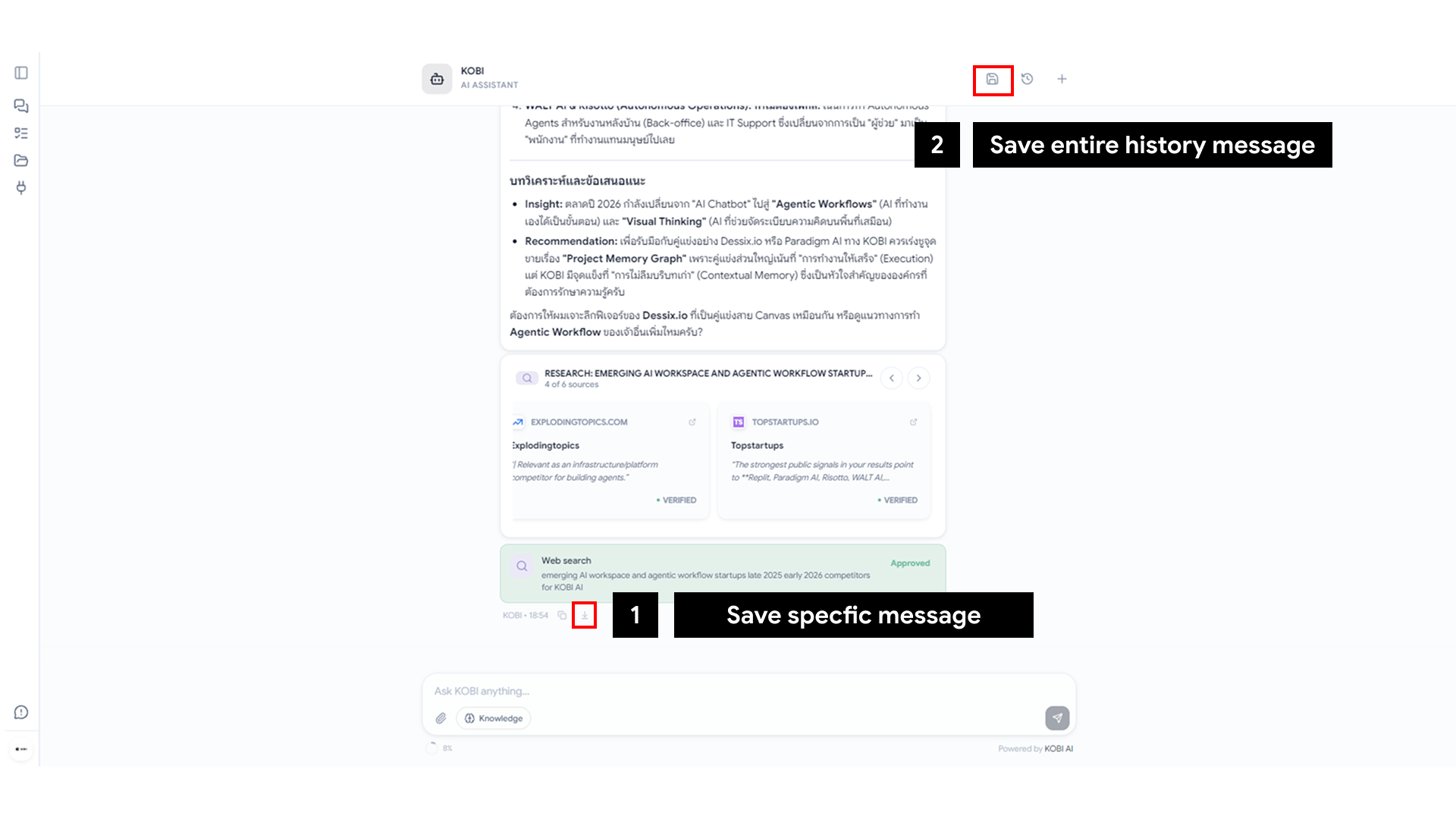
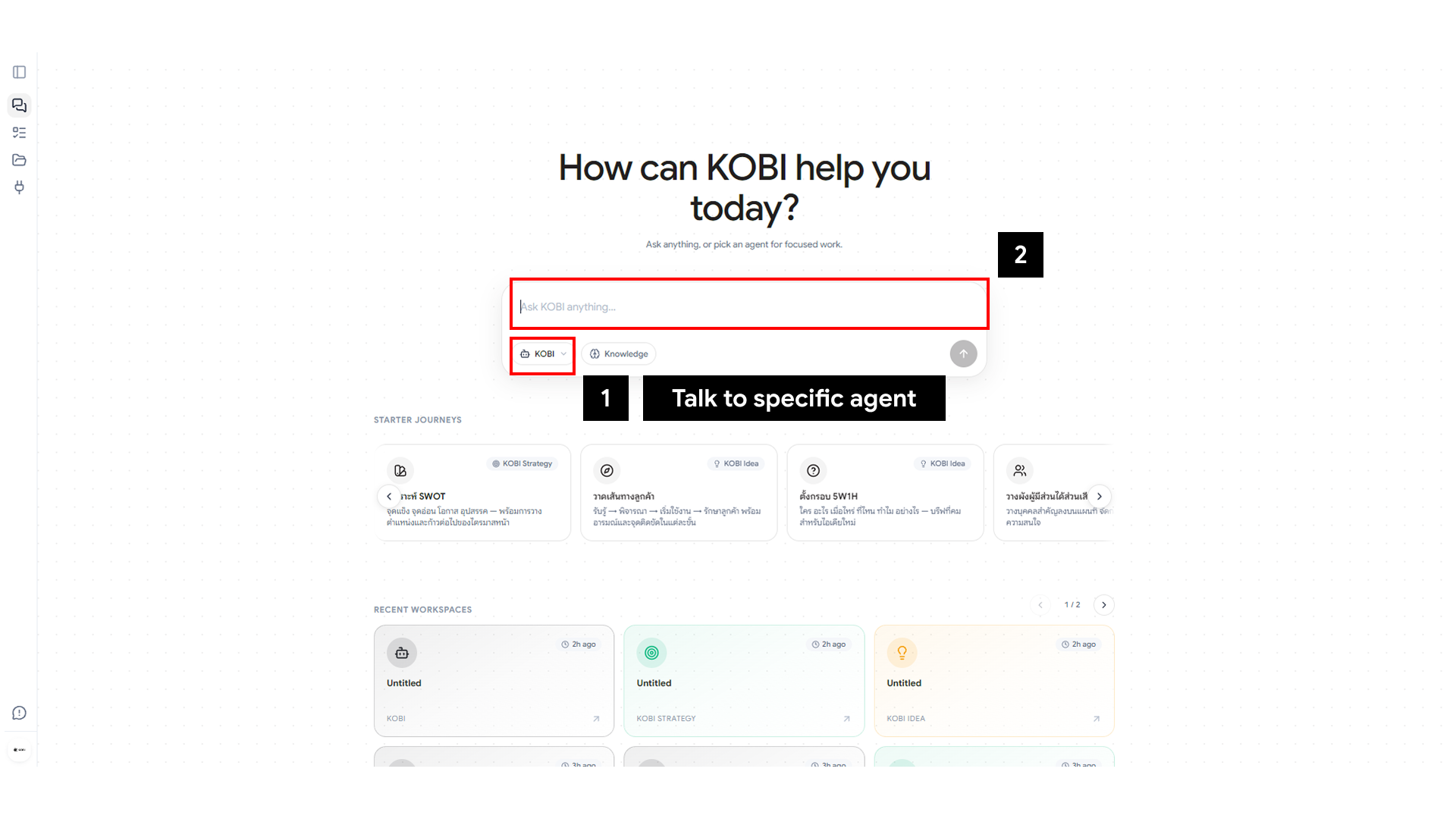
A plain chat agent that shares the same project memory. Quick questions, fast answers, no geometry.
Use it when you have:
- A one-off question.
- A draft to refine.
- A meeting recording to summarize.
How agents collaborate
Section titled “How agents collaborate”Every agent reads from the same project memory. When the Knowledge agent indexes a new document, the Strategy agent can immediately cite it. When the Idea agent generates a direction, the Analytics agent can pick it up and look for evidence in your data.
You don’t need to “hand off” between agents — context follows the project, not the conversation.